

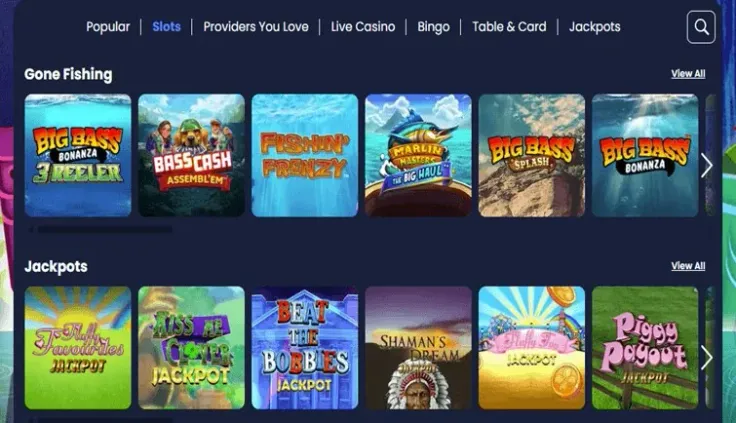
Amazon Slots does not have an Android app at the moment, and there is no iPhone app either. If you are looking for the Amazon Slots app for Android, there is nothing to install from an app store. You can still play on an Android phone, because the Amazon Slots mobile site works in Chrome or another browser and needs no download. This page explains what to expect from the mobile site, how to open it, and what to check to keep your account safe on a phone.
What you can do on an Android phone
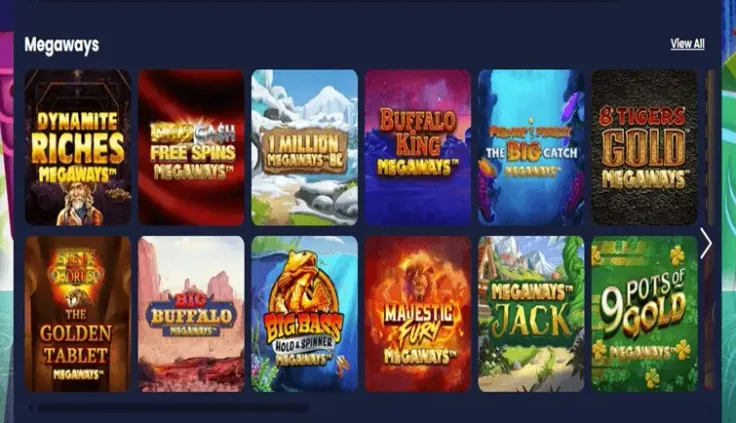
The Amazon Slots mobile site is the way to play on an Android phone. It opens in the browser, so you can log in through the login page or create an account through sign up without installing anything. The mobile version page covers the site for phones in more detail.
The main difference from a computer is the screen. The site's layout follows the size of your phone, so you will see fewer controls at once. Before you start a game, take a moment to find the stake controls and the buttons for starting a round. Smaller screens make it easier to change a stake by mistake, so check the amount shown before each round.
Each game explains how it pays. Read the paytable and the rules for the game you choose, since they set out the winning combinations and the features. The game's RTP and volatility, where they are shown, tell you how often and how large wins are likely to be over time. Results in every round are random, whichever device you use.
Playing in the browser instead of an app
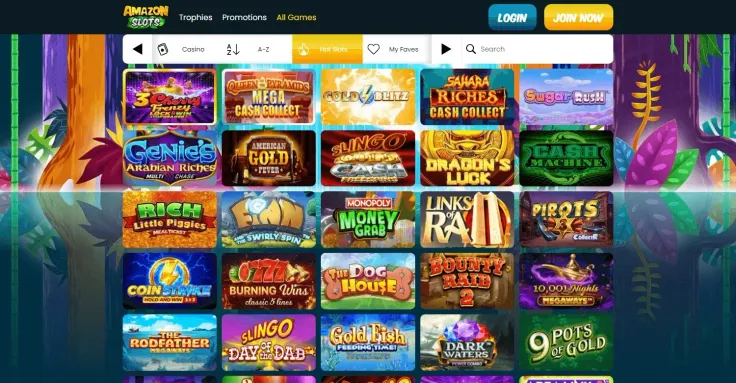
Because there is no app for Android, there is nothing to find in an app store and nothing to install. Do not look for an APK file or a download from another website, since that is not how the Amazon Slots mobile site is opened. Open Chrome, or the browser you normally use, and visit Amazon Slots directly.
Once the site has loaded, the steps above show how to add it to your home screen. This gives you a shortcut that opens the browser at the site, so you do not need to type the address each time. The shortcut is not an app, and the site still runs in the browser.
Performance depends on your phone and your connection. If a game is slow to load, try a stronger Wi-Fi or mobile signal before you close and reopen the browser. Keep the browser updated, and use the same browser each time, so the site loads in the same way.
Keeping your account safe on a phone

A phone holds more personal information than most people think, so start with the device itself. Set a passcode, or a fingerprint or face lock, and do not let anyone else use the phone while you are logged in to your account. If you share the device with other people, log out when you finish.
Use a strong password for your account that you do not use on other sites. Do not save the password in a browser on a device that other people can use. If you change your phone, log out on the old device first.
Games use mobile data while they load and run. If you play on mobile data, check how much data your plan includes, or play on Wi-Fi at home. Set a budget and a time limit before you start, and stop when you reach them. The safer gambling page explains the account controls and where to get help if you want to take a break or set limits.