
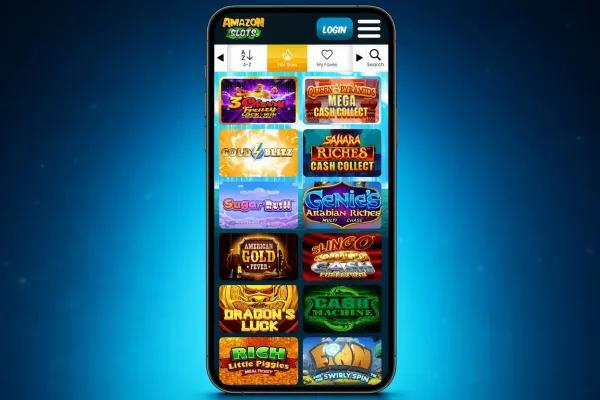
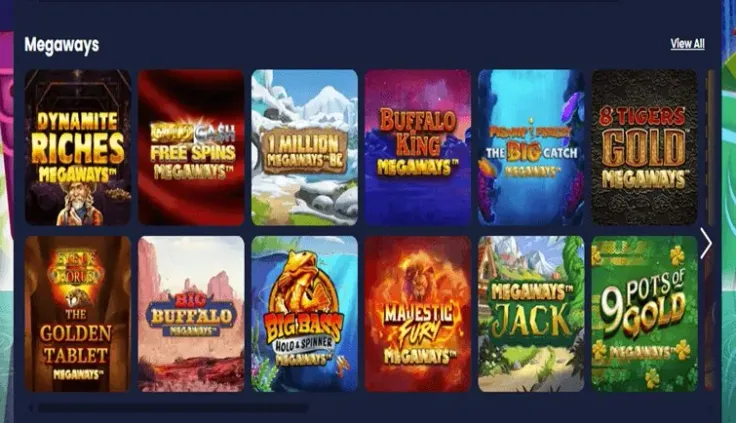
Amazon Slots has no iPhone app and no Android app, but the mobile site works in the browser on your phone. That is how you play Amazon Slots on a handset: open your browser, go to the site and log in. There is nothing to download from the App Store or Google Play.
For most players this changes little day to day. The account is the same one you would use on a computer, and you can add a shortcut to your home screen if you want one-tap access. This page covers what the mobile site means in practice, what to expect without a native app, and how to keep your account and spending under control on a phone.
What you get on the mobile site
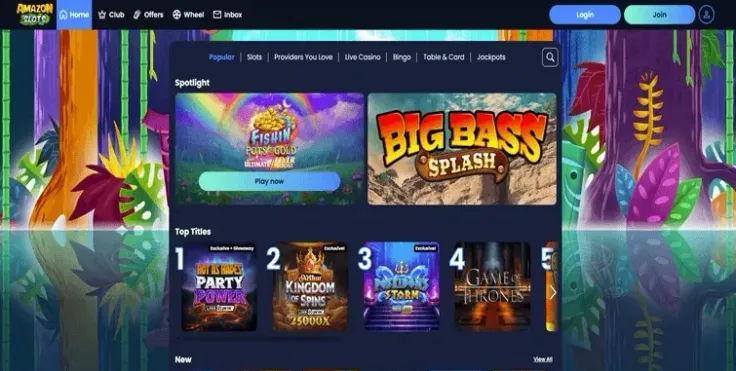
The mobile site is Amazon Slots in your phone's browser. You log in with your existing details, or sign up if you are new, and you do it from the same browser you use for everything else. The steps above show the route.
The main difference from the desktop is the screen, not the casino. A phone gives you less room, so you will do more scrolling and tapping, and many players find portrait mode comfortable for browsing and landscape better for anything with a wide layout. If a page looks cramped, turning the phone is worth a try before assuming something is wrong.
Because the mobile site runs in a browser, the browser does the work an app would otherwise do. You do not manage updates through a store, and nothing takes up storage on the phone. Keeping the browser itself up to date is the one job that stays with you, since updates to it include security fixes.
The full range of what Amazon Slots offers is listed on the games and slots pages. The rules for online slots in Great Britain apply on a phone exactly as on a computer, including the minimum spin time and the stake limit per spin, which is lower for players aged under 25.
If you mostly play at a desk, the mobile site gives you a second way in, not a different casino. If you mostly play on the move, the browser route is the only one, so a reliable connection matters more than anything else (more on that below).
No app to install: what to expect in the browser
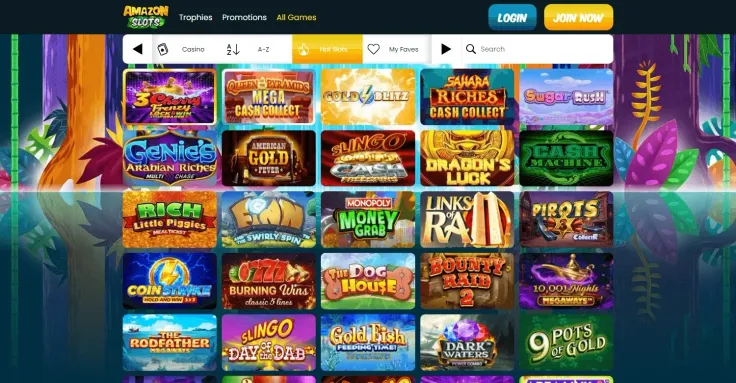
Since Amazon Slots has no native app, there is nothing to find or install. Searching the App Store or Google Play will not turn up an app from Amazon Slots that you should be using. If a store listing, a text message, an email or an advert tells you to install one, leave it alone: only install apps from your phone's own store, and an app that claims to be Amazon Slots should not be trusted when the casino itself offers none. The app page gives the overview, and the iPhone and Android pages say the same for each platform.
The nearest thing to an app is the Add to Home Screen option, which the steps above mention. It puts an icon on your phone that opens the mobile site in one tap. It is a shortcut to a web page, not an installed program, so it behaves like the browser: you log in as usual, and removing the icon does not affect your account.
A few things follow from playing in a browser:
- Games load each time you open them, so a slow or patchy connection shows up as waiting rather than as an error in an app.
- Switching to another app mid-session can leave the page to reload when you come back, depending on the phone and browser.
- Browser extensions, content blockers and private browsing modes can change how a page behaves. If something fails to load, try another standard browser before anything else.
- Bookmarks and home screen shortcuts should lead only to the address you typed or reached yourself, never to a link from a message.
If you need help with a problem on your phone, the contact page lists the ways to reach support.
Keeping your account secure and in check on a phone

A phone is easy to pick up and easy to lose, so lock it with a passcode or biometric lock and set it to lock automatically. Do not let anyone else use the device while you are logged in, and log out when you finish on a phone you share. If you let your browser save your password, remember that anyone who unlocks the phone can then reach your account.
Use your own mobile data or a Wi-Fi network you trust when you log in or pay. Public Wi-Fi is shared with strangers, so it is a poor place for a gambling account. Streaming live games over mobile data can use up an allowance quickly, so check your plan if you play away from home. Check the web address before you enter your details, and be wary of any link that arrives by message.
Phone play is convenient, which makes it easy to open the site without planning to. The account's own control tools are there for that: deposit limits, time-outs and self-exclusion, which every UK-licensed operator must offer. Set limits before you start rather than mid-session, and read the safer gambling page for how they work. If you want to block gambling sites across all your devices, GAMSTOP covers UK-licensed online casinos, and GamCare offers support if play stops feeling like entertainment.
Finally, notifications and stored card details make spending frictionless. Turn off any alerts you find tempting and consider removing saved payment details from your browser, so each deposit is a deliberate decision.